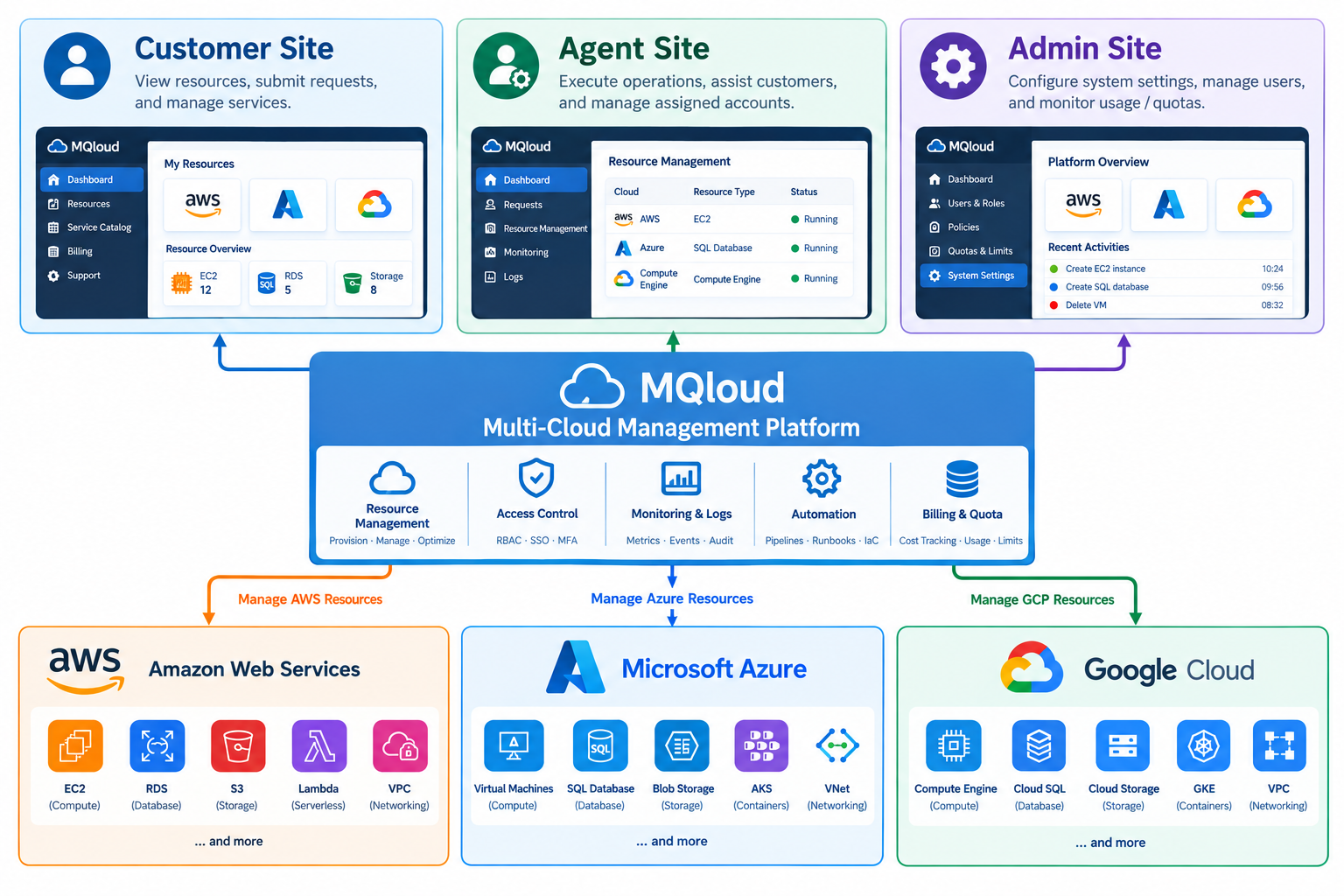
Complex operations, scattered permissions, bills you can't parse — none of that should be a daily headache. This is what we set out to fix.
We've unified operations across all three clouds as much as possible. Learn one operating logic and your team can manage resources on GCP, AWS, and Azure — without repeating the training investment for each one.
Learning CostNo matter how many clouds you use, one person's permissions on one project are set once — not re-configured separately for each cloud, and never at risk of a missed update leaving a gap.
Permission ManagementCleaner and more focused than native cloud consoles — no need to learn a stack of advanced settings just to get started. Daily tasks are faster, and easier to get right.
Daily OperationsQuotas, alerts, and billing all live in the same place, so you know before you overspend — not after the bill arrives.
Cost ControlA single environment can span resources from multiple cloud providers, connected through cross-cloud networking — so when one cloud has an issue, your whole service doesn't go down with it.
ResilienceInstance power on/off, creation, deletion — all logged and available to review any time. You can also set per-role permissions by environment, so governance logic stays consistent no matter which cloud is underneath.
Governance & AuditThrough a third-party service, we establish a private physical line connecting hosts across different cloud providers — more stable than a typical site-to-site VPN, with stronger security since it runs on a dedicated physical circuit.
Cross-Cloud NetworkingSame requirement, different experience. Here's how using MQloud actually compares to using native cloud consoles directly.
| Comparison | MQloud | Native Cloud |
|---|---|---|
| Multi-Cloud Requirements | ✓
| ✕
|
| Cloud Account Application | ✓
| ✕
|
| Independent Environments | ✓
| ✕
|
| Billing Status | ✓
| ✕
|
| Customer Issue Assistance | ✓
| ✕
|
MQloud is built around three distinct interfaces — Admin, Agent, and Customer — each serving a different operational need. The same system can be the internal tool you use to manage your own cloud resources, or the platform you use to offer managed services under your own brand.
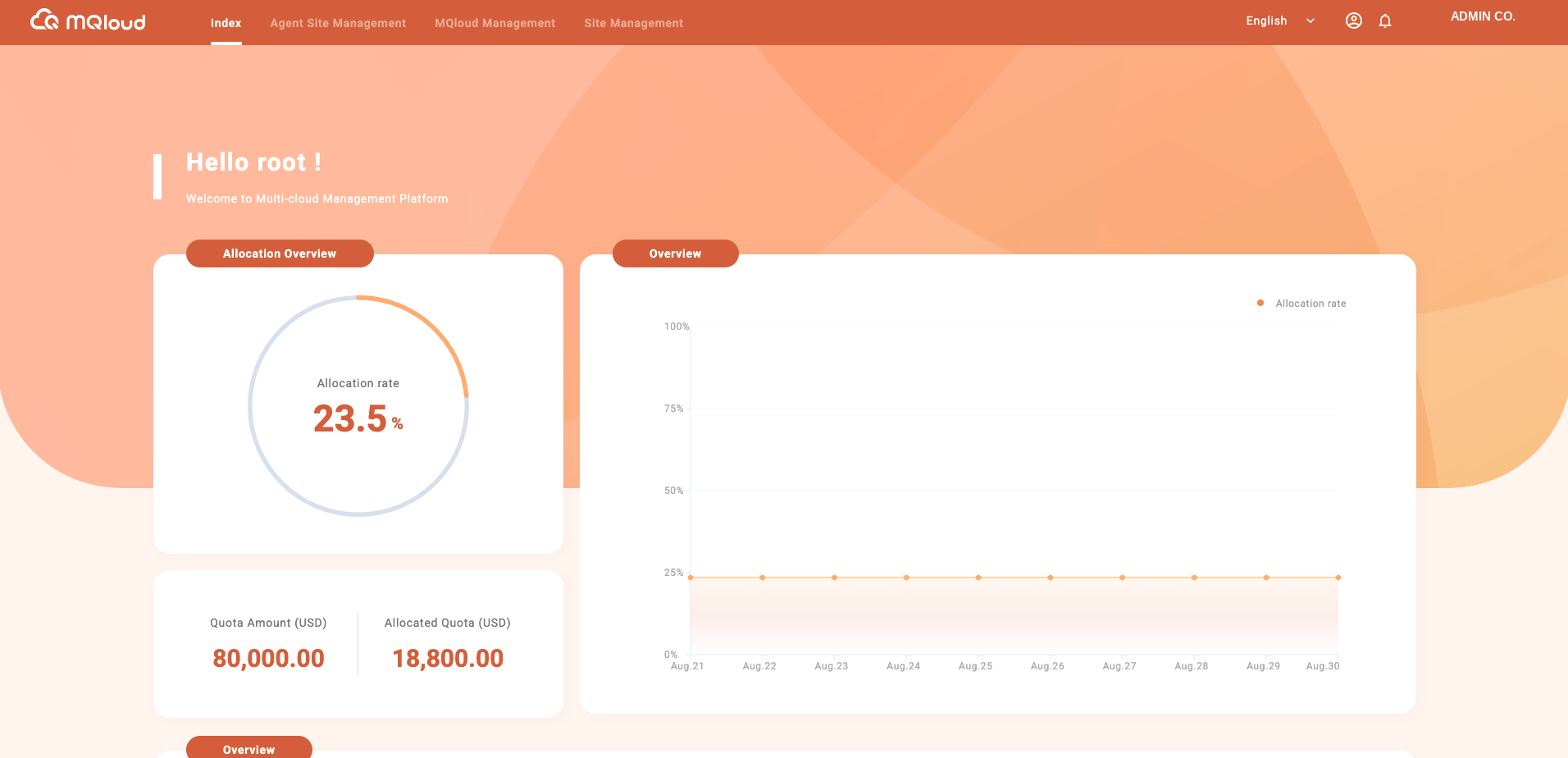
Provisions and configures native cloud accounts (AWS/GCP/Azure) on the system; decides which clouds and features the platform offers; serves as second-line support for Agents.
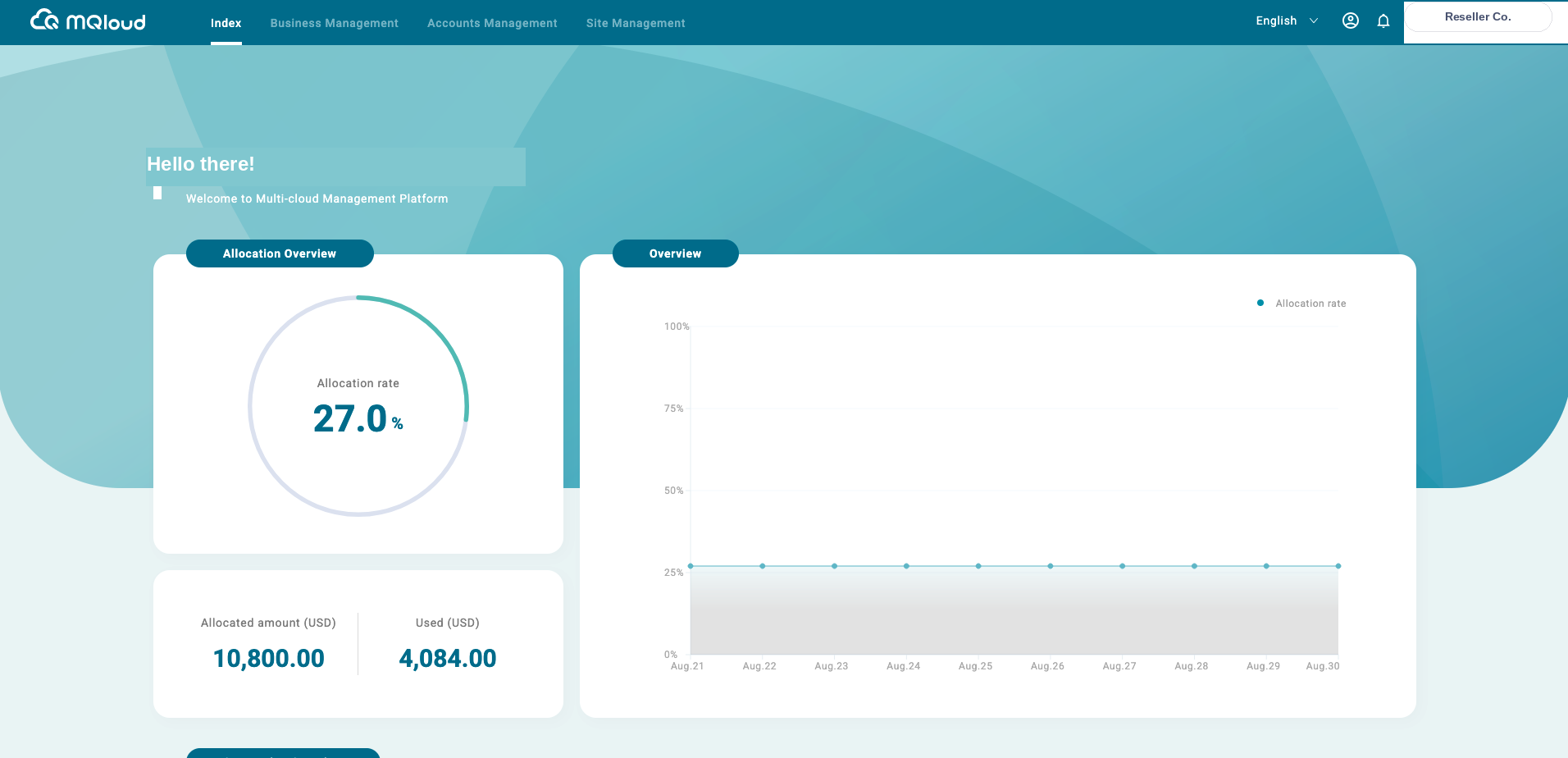
Helps sell the platform operated by the Admin, brings in customers, helps them use cloud services, and resolves customer issues — serving as first-line support.
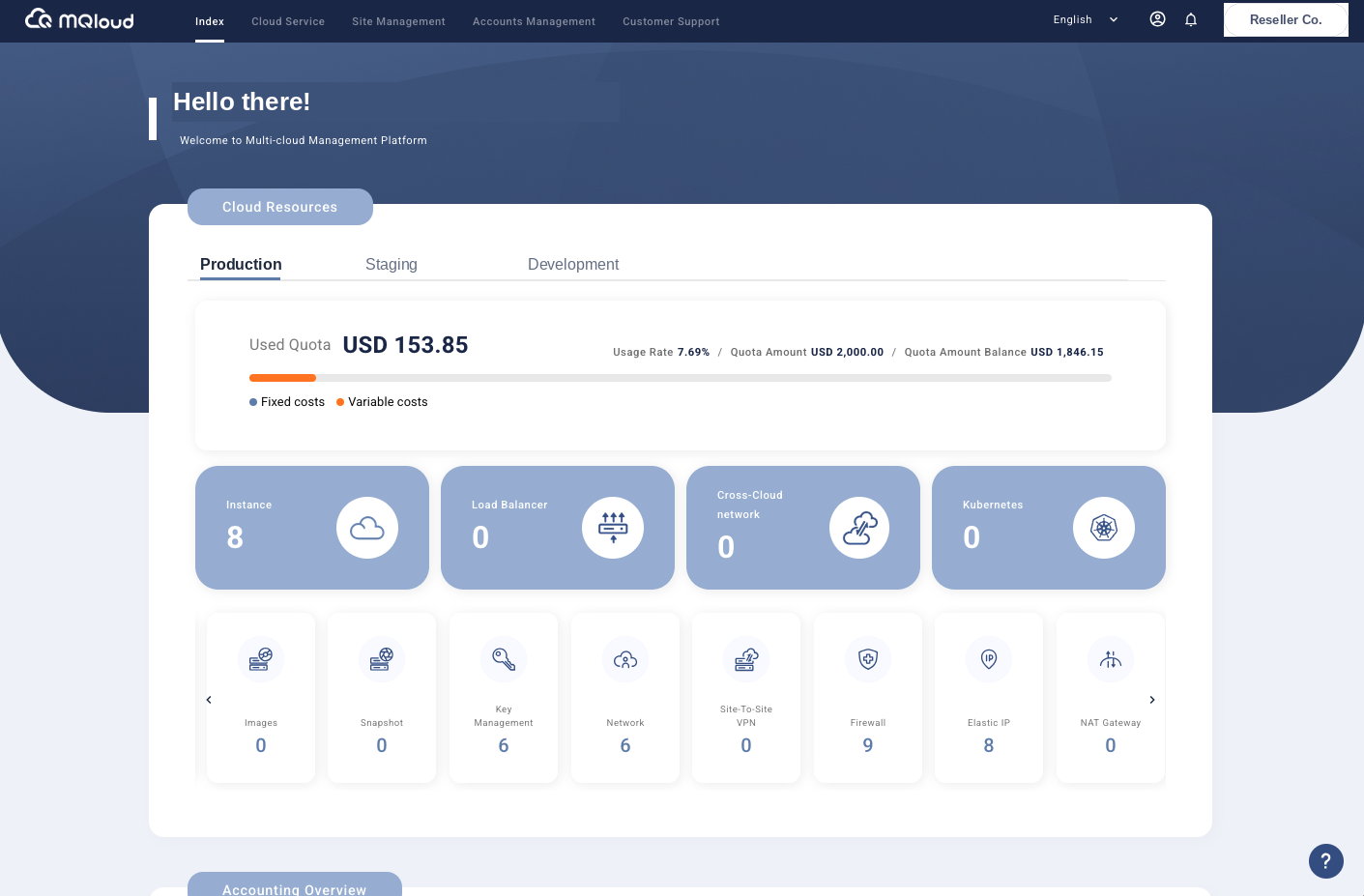
Manages environments, permissions, and quotas to provision and use cloud resources — operating across AWS, GCP, and Azure in an almost identical way.
| Model | Admin | Agent | Customer |
|---|---|---|---|
| Cloud Distributor Model For MSPs / SIs / resellers | Brand Owner | Service Reseller | Enterprise Client |
| Enterprise Model For internal cloud governance | Headquarters | Subsidiary | Department |
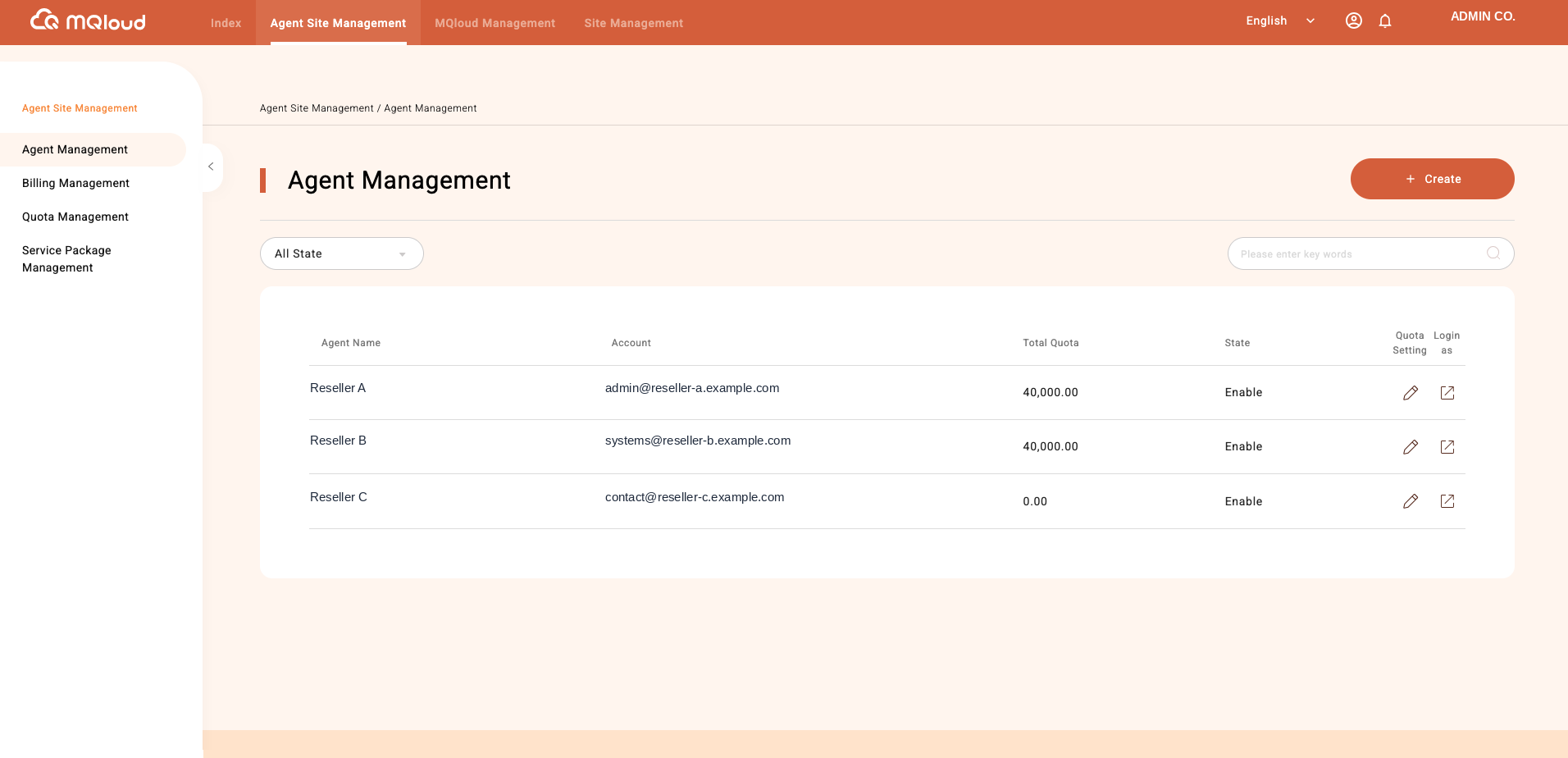
Admins can manage every Agent under them right from the platform — setting quotas, enabling or disabling accounts, all at a glance.
MQloud® is a proprietary multi-cloud management platform developed by Knowtecq Limited. Visit our corporate site to learn more about our team and other services.
About Knowtecq →Learn about the Admin/Agent hierarchy, revenue-sharing model, and the full white-label management platform.